
Choosing the right solution for IT support and data protection can feel like trying to find a trusted partner for your business in a sea of options. With every company promising safety, speed and peace of mind, it is natural to wonder which service truly delivers security you can rely on. From backup strategies built for small teams to all-in-one platforms for growing organisations, each provider brings something unique to the table. Curious about how they compare on reliability, support and cost? The difference might surprise you.
Table of Contents
- Cloudology
- Databarracks
- Acronis
- Barracuda Networks
- Backup Everything
- Redstor
- Backupvault
- Carbonite By Opentext
Cloudology
At a Glance
Cloudology provides a cohesive suite of managed IT services designed for UK businesses that need reliable, secure infrastructure without the overhead of an in‑house team. The offering combines IT support, cloud hosting, VoIP telephony, internet connectivity and secure data backups into a single partner proposition that simplifies day‑to‑day operations. For SMEs seeking pragmatic, security‑first solutions and ongoing guidance, Cloudology delivers practical expertise and clear direction. It is robust, client‑focused and built for organisations that value tailored service over off‑the‑shelf packages.
Core Features
Cloudology’s core capabilities centre on end‑to‑end IT management: proactive IT support and management, resilient cloud hosting solutions, VoIP telephony services with cost modelling, dependable internet connections and secure data backup strategies for digital assets. The site also hosts an educational blog with industry insights and tools such as a VoIP price calculator, which helps you plan communications spend. Together these elements form a managed, security‑oriented stack that covers infrastructure, connectivity, communications and data protection.
Pros
- Experienced, tailored delivery: Cloudology is experienced in delivering tailored IT solutions that align with specific business needs, ensuring implementations match your operational realities.
- Comprehensive service scope: The company offers a full range of cloud and on‑premise services, so you can consolidate vendors and reduce integration overhead.
- Rapid, expert support: Cloudology provides expert support to resolve IT issues swiftly, reducing downtime and protecting productivity.
- Practical learning resources: Their blog supplies educational resources and industry insights that help you make better choices about cloud adoption and security.
- Communications cost control: Cloudology’s customised VoIP plans and cost calculators give you clear, actionable pricing guidance to manage telephony expenditure.
Who It’s For
Cloudology is ideal for UK‑based small to medium‑sized businesses seeking tailored IT infrastructure, support and cloud solutions. If you are an IT Manager who needs a single trusted partner to manage hosting, connectivity, telephony and backups while you focus on business outcomes, this is a strong fit. You want predictable performance, clearer budgets and an emphasis on security—without the complexity of multiple suppliers.
Unique Value Proposition
Cloudology distinguishes itself as a full‑spectrum IT partner that manages technology, mitigates risks and boosts productivity through integrated services and consultative support. Rather than selling standard tiers, Cloudology designs and implements environments that reflect your workload, compliance needs and growth plans. Its combination of managed hosting, secure backup strategies and VoIP cost transparency reduces vendor friction and accelerates remediation when incidents occur. The blog and tools demonstrate an educational commitment that helps clients make informed decisions, while bespoke quoting ensures solutions are cost‑efficient and appropriately scaled. In short: Cloudology replaces fragmented suppliers with one accountable partner that prioritises security, resilience and operational simplicity.
Real World Use Case
A UK startup engaged Cloudology for IT support, cloud hosting and secure data backups, and used the blog insights to shape their security and cloud adoption strategy. Cloudology’s support and hosting reduced configuration time, while the backup strategy provided reliable recovery points—enabling the startup to scale confidently.
Pricing
Pricing is not specified on the website; contact Cloudology for a personalised quote. The VoIP price calculator is available to help you estimate telephony costs and shape a bespoke package.
Website: https://cloudology.uk
Databarracks
At a Glance
Databarracks offers a pragmatic, resilience‑first approach to business continuity and disaster recovery that will appeal to IT teams responsible for keeping services online. With over 20 years of experience and 24/7 support claiming a 100% recovery success rate, it positions itself as a trusted partner for critical operations. Expect managed continuous protection, cloud integration and practical planning resources — though pricing and deep technical specifics require direct consultation. Bottom line: strong on preparedness and continuity, but light on public pricing transparency.
Core Features
Databarracks provides end‑to‑end resilience services spanning data protection from backup through to disaster recovery, continuous protection delivered as a managed service, and public cloud solutions with visibility, control and protection. The service also encompasses business resilience planning, crisis management and cyber resilience training emphasising technology, processes and people. Those elements combine into a managed offering that covers prevention, response and recovery rather than a single point product.
Pros
- Extensive industry experience: Databarracks brings over 20 years of expertise in resilience and recovery services, which helps when designing repeatable recovery processes for complex environments.
- Around‑the‑clock support: Their 24/7 customer support model is designed to give you continual access to help during an incident, reducing decision delays that increase downtime.
- Proven recovery outcomes: A reported 100% recovery success rate indicates disciplined testing and operational rigour in real‑world restores.
- Holistic resilience approach: Services cover not just technology but people and processes, so recovery plans and training sit alongside technical protection.
- Practical resources offered: Databarracks supplies artefacts such as disaster recovery plans and downtime calculators that speed planning and stakeholder sign‑off.
Cons
- Limited public technical detail: Most information appears on marketing pages, so you may need to request technical specifications to validate fit against your estate.
- Pricing not transparent: There are no published prices, which means budgeting requires time‑consuming conversations and tailored quotes.
- Unclear SME focus: It is not explicitly stated whether services are optimised for smaller businesses, suggesting the primary market may be medium to large organisations.
Who It’s For
Databarracks is best suited to organisations that treat continuity as a business imperative — those with critical services, regulated workloads or significant reputational risk if systems fail. If you manage essential infrastructure and need a managed, tested recovery capability rather than a do‑it‑yourself backup tool, this is aimed at you.
Unique Value Proposition
Databarracks combines long experience, managed continuous protection and a resilience framework that covers people, process and technology. That integrated stance, backed by 24/7 support and a claimed perfect recovery record, differentiates it from vendors that offer only backups or only consultancy.
Real World Use Case
A financial services firm could engage Databarracks to design and operate a disaster recovery service: backups, continuous replication to cloud, regular failover testing, staff training and crisis playbooks — ensuring services remain available during outages, ransomware events or cloud provider failures.
Pricing
Pricing details are not published and appear to be customised per client, so expect quotes based on scope, recovery time objectives and managed service levels.
Website: https://databarracks.com
Acronis
At a Glance
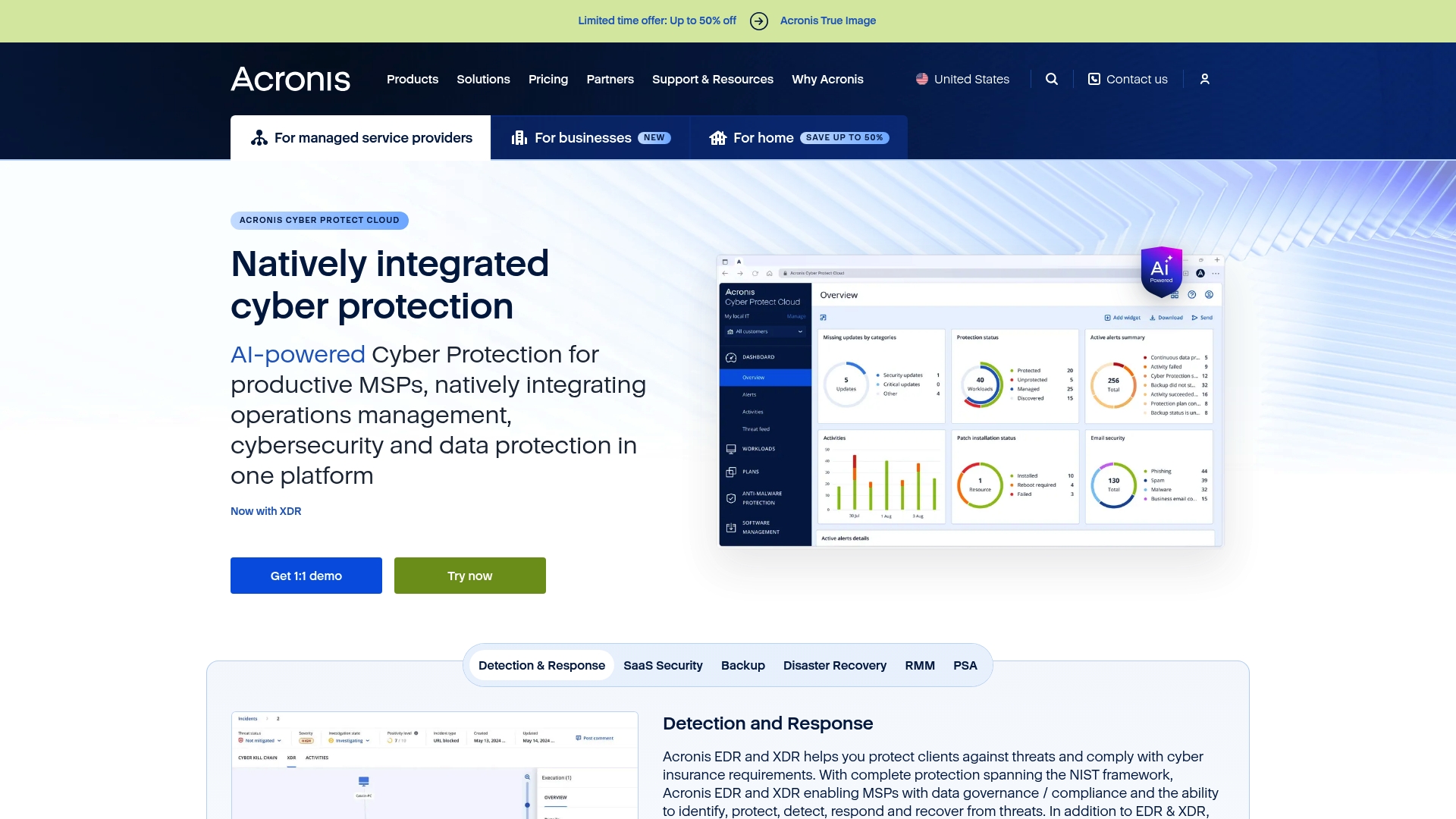
Acronis combines backup, disaster recovery and cybersecurity into a single platform, with a clear emphasis on AI-powered detection and integrated protection across cloud, on-premise and industrial environments. It is especially strong for Managed Service Providers (MSPs) thanks to support, certification programmes and partner tools. Expect a feature-rich solution that delivers wide coverage, but plan for training to unlock its full potential. Pricing is not published on the website, so procurement requires direct engagement with Acronis.
Core Features
Acronis delivers a unified set of capabilities: comprehensive backup and disaster recovery, endpoint detection and response (EDR and XDR), managed detection and response (MDR), plus email security and archiving for Microsoft 365. The platform also includes security posture management, security awareness training and data loss prevention (DLP), all presented as integrated services intended to work across cloud, on-premise and industrial systems. The vendor highlights AI-driven protection and a partner ecosystem aimed at MSPs.
Pros
- Integrated protection across stacks: Acronis brings backup, cybersecurity and endpoint management together, reducing the complexity of operating separate point solutions.
- AI-powered detection and response: The platform uses AI to accelerate threat detection and automate protection, which can shorten mean time to detect and remediate incidents.
- Multi-environment support: It supports cloud, on-premise and industrial environments, making it suitable for mixed IT estates common in SME and enterprise customers.
- MSP-focused support and certification: Acronis provides partner training and certification programmes, helping MSPs scale delivery and standardise services.
- Global footprint and compliance posture: The vendor references numerous data centres and compliance certifications, which helps organisations with regional data sovereignty and regulatory requirements.
Cons
- Browser compatibility concerns: The website notes browser incompatibility issues for some users, which suggests occasional management portal friction.
- Feature complexity requires training: The breadth of capabilities means teams will need time and training to configure and operate the platform effectively.
- Pricing not clearly published: Commercial details are not specified on the website, so budget planning requires vendor engagement and may slow procurement.
Who It’s For
Acronis suits Service Providers, IT professionals, MSPs and businesses that need an integrated approach to cybersecurity and backup across diverse environments. If you manage a mixed estate that includes cloud workloads, on-premise servers and industrial systems—or if you sell security and backup as a service—Acronis is tailored to those operational models.
Unique Value Proposition
Acronis’s strength lies in combining backup and modern cyber defence within one platform supported by AI and partner-focused programmes. For MSPs seeking a commercial and technical framework to deliver bundled protection and recovery services, Acronis offers both the tooling and the partner enablement to accelerate deployment.
Real World Use Case
An MSP uses Acronis to deliver a managed security and backup service to a portfolio of clients across retail, manufacturing and professional services. The MSP leverages integrated backup, EDR/XDR and MDR capabilities to provide a single managed offering, supported by certification training to standardise operations and improve response times.
Pricing
Not specified on the website; you will need to contact Acronis for tailored pricing and commercial terms.
Website: https://acronis.com
Barracuda Networks

At a Glance
Barracuda Networks delivers a broad cybersecurity platform aimed at protecting email, networks, applications and data with solutions that are straightforward to deploy and manage. The vendor combines email protection, data loss prevention and backup, managed Extended Detection and Response (XDR), network security and application defences into a single offering backed by 24/7 support. For IT managers at SMEs seeking an all-in-one approach that can be self-managed or delivered through Managed Service Providers (MSPs), Barracuda presents a practical balance of capability and ongoing support. There are caveats for very small organisations around minimum purchase thresholds and pricing transparency.
Core Features
Barracuda’s platform centres on five core capabilities: robust email protection to block phishing and malware, data loss prevention paired with backup and recovery, Managed XDR for centralised detection and response, network security and optimisation, and application security for websites and APIs. Each capability is positioned to integrate within a single vendor ecosystem and to be offered either as self-implementation tools or via MSPs, which supports both in-house teams and organisations that prefer outsourced management.
Pros
- Comprehensive cybersecurity coverage is available across email, network, application and data layers, reducing the need to stitch multiple vendors together.
- Easy to buy, deploy and use means IT teams can accelerate roll-out and reduce operational overhead during initial implementation.
- 24/7 customer support provides continuous access to assistance, which is critical for incident response and maintaining service levels.
- Trusted by hundreds of thousands of customers worldwide, indicating established scale and market adoption.
- Offers both self-implementation tools and managed services, so organisations can choose the model that matches their skills and resourcing.
Cons
- Pricing is not explicitly mentioned, which may hinder budget planning for smaller businesses that require clear per-user or per-device costs.
- Minimum purchase requirements for some solutions may not suit very small organisations, creating a potential barrier to entry for micro-businesses.
- Some solutions may require engaging with MSPs or resellers for deployment, which could add complexity or additional cost if you prefer direct vendor management.
Who It’s For
Barracuda Networks is best suited to businesses of all sizes that need comprehensive, easy-to-manage cybersecurity and data protection. It particularly fits SMEs that want the option of self-managed tools today and the ability to transition to managed services through MSPs as their needs mature. If you value vendor consolidation and round-the-clock support, Barracuda is a sensible choice.
Unique Value Proposition
Barracuda’s unique value lies in packaging multiple defensive layers—email, data, network, application and Managed XDR—within a single platform that can be deployed quickly and supported 24/7. The flexibility to operate via self-implementation or MSPs gives organisations a clear migration path as internal capabilities evolve.
Real World Use Case
A School District implements Barracuda to safeguard email, network and applications while using the vendor’s easy deployment and 24/7 support to maintain continuous defences. The district benefits from centralised backup and incident support without increasing local IT headcount.
Pricing
Pricing plans start from specific per user/month rates, with options for custom quotes; exact prices are not detailed in the available content.
Website: https://barracuda.com
Backup Everything
At a Glance
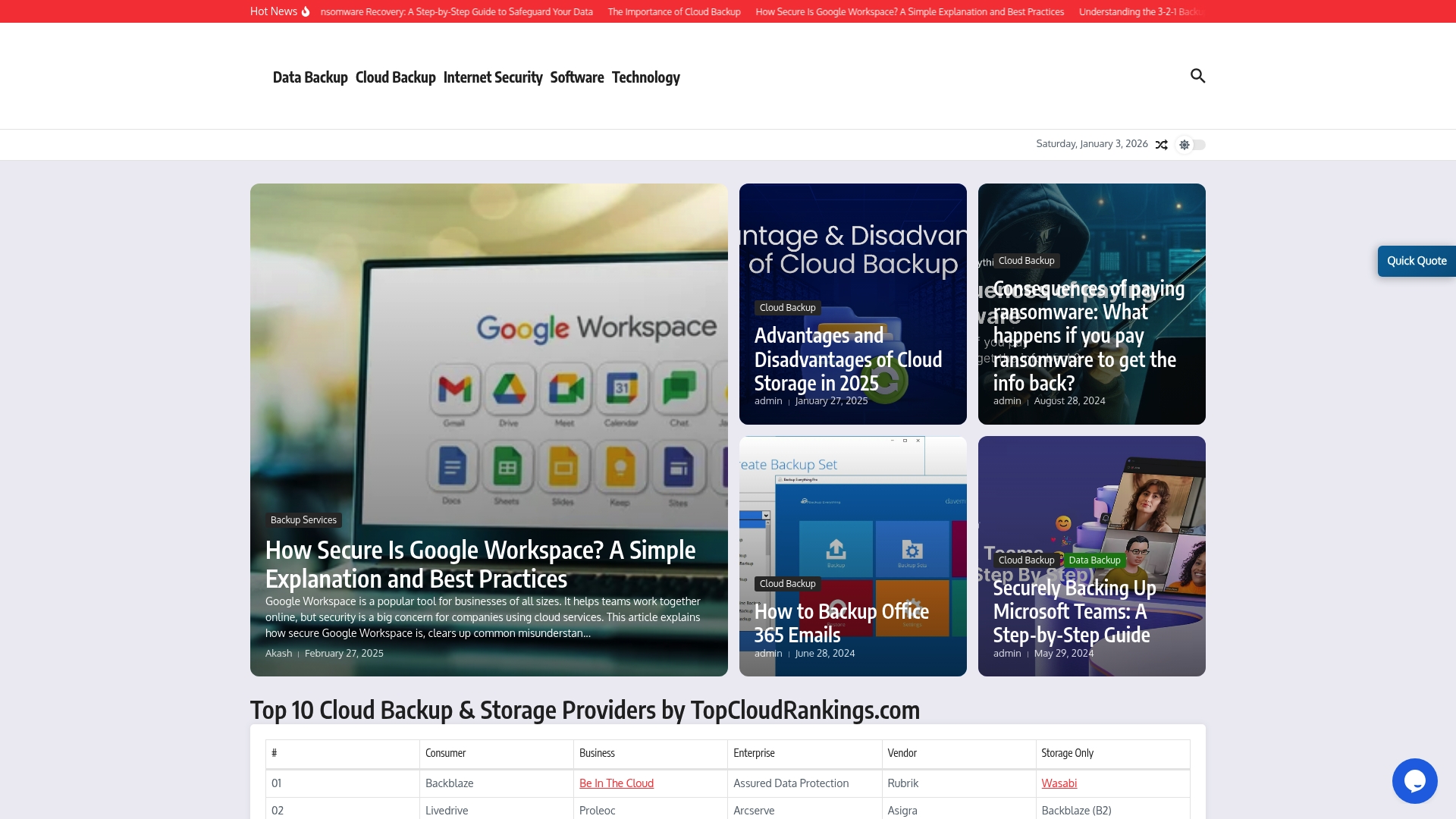
Backup Everything is a knowledge-led cloud backup resource aimed at helping businesses understand and implement secure backup strategies. Rather than marketing a single turnkey backup product, it specialises in practical guides, comparisons and ransomware-focused advice for platforms such as Office 365, Microsoft Teams and Google Workspace. If you need clear, up-to-date guidance to shape your backup policy in 2025 and beyond, this site is a useful first stop — but it stops short of delivering transparent product pricing or granular service specifications.
Core Features
Backup Everything provides a focused set of capabilities around education and vendor comparison rather than being a single backup appliance or managed service. The site hosts step-by-step guides on securing cloud data, detailed articles on ransomware protection and practical walkthroughs for backing up Office 365, Microsoft Teams and Google Workspace. It also publishes comparative rankings of cloud backup providers, helping IT teams shortlist candidates and evaluate features relevant to business continuity and data integrity.
Straight to the point.
Pros
- Comprehensive educational material: The site offers in-depth guides that explain backup concepts and operational steps, which makes it easier for IT teams to design repeatable backup processes.
- Vendor comparison and rankings: Backup Everything aggregates provider features and ranks solutions, saving you time during the shortlisting stage.
- Ransomware-focused content: The resources prioritise ransomware protection and recovery strategies, which is critical given the rising threat landscape.
- Platform-specific guidance: There are targeted articles for Office 365, Microsoft Teams and Google Workspace, so you get actionable advice tailored to platforms common in SME environments.
- Educational orientation for decision-makers: The materials are written to bring non-specialist stakeholders up to speed on why certain backup decisions matter.
Cons
- Limited product detail: The site does not present a clear, unified product specification or a full feature list for a single managed backup service, which can frustrate buyers wanting immediate technical comparators.
- Content-first, service-second: Emphasis is on articles and education rather than on communicating service SLAs, backup windows or recovery time objectives for an off-the-shelf offering.
- No transparent pricing information: Pricing is not specified, so you must engage with vendors or the site team to understand likely costs, which slows procurement.
Who It’s For
Backup Everything is best suited to IT managers and decision-makers at small to medium-sized enterprises in the UK who need to build or refine a cloud backup strategy. If you are tasked with vendor selection, risk assessment or drafting recovery playbooks, the site provides the context and comparative data you need to make informed decisions.
Unique Value Proposition
Rather than competing as a single backup vendor, Backup Everything positions itself as a trusted knowledge hub and comparator that helps organisations understand backup trade-offs, prioritise ransomware defences and select the right provider for their environment.
Real World Use Case
A mid-sized company uses Backup Everything to draft a recovery plan: IT consults the Office 365 and Teams guides, follows ransomware hardening recommendations, then uses the site’s rankings to shortlist two providers for trial and procurement.
Pricing
Pricing is not specified on the website and appears to be customised or dependent on the services required; you will need to request a quote for firm figures.
Website: https://backupeverything.co.uk
Redstor
At a Glance
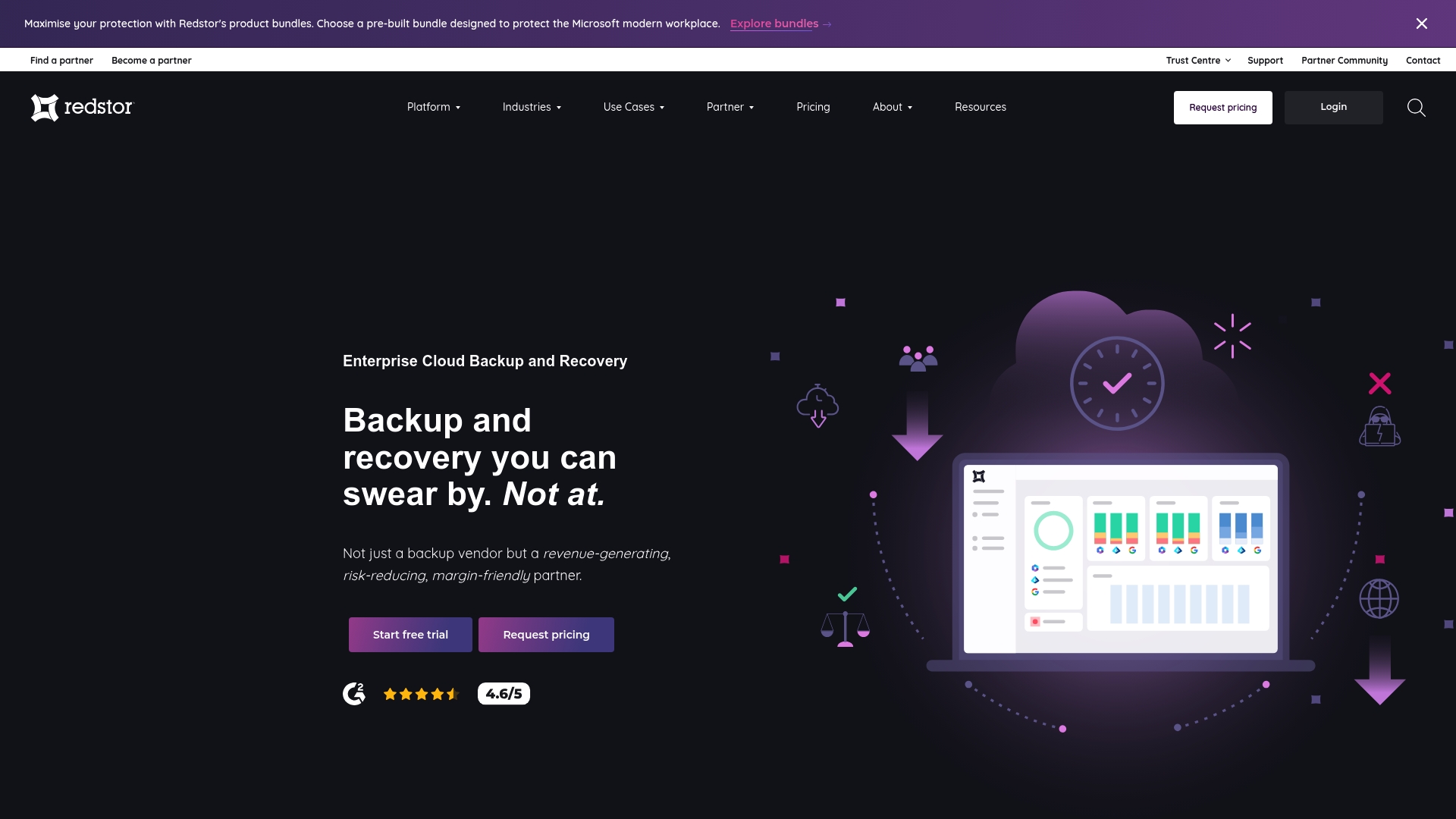
Redstor is an enterprise-grade cloud backup and recovery platform designed to simplify data protection across servers, SaaS applications and cloud environments. It emphasises rapid recovery with proprietary instantdata™ technology, transparent pricing and a cloud-first architecture that removes the need for hardware. For UK IT managers seeking a scalable, security-minded solution for multiple clients or internal teams, Redstor offers a pragmatic balance of capability and manageability.
Core Features
Redstor provides cloud backup and recovery across servers, Microsoft 365 and broader cloud platforms, delivered via pre-built product bundles tailored to typical requirements such as educational institutions or MSPs. The platform is multi-tenant, enabling centralised management of multiple clients, and automates backup processes to reduce administrative overhead. Notable features include instantdata™ for rapid recovery, malware detection and cyber resilience on backup data, and a security and compliance focus to support regulated workloads.
Pros
- Comprehensive environment coverage: Redstor manages diverse data sources—from on-premise servers to SaaS applications—so you can consolidate protection under a single platform.
- Transparent pricing model: The solution is marketed with transparent and predictable pricing, which helps you budget and avoid surprise costs.
- No hardware or hidden fees: Removing hardware requirements reduces capital expenditure and simplifies deployment for smaller datacentres or branch sites.
- Fast recovery with instantdata™: The platform’s instantdata™ capability accelerates recovery, minimising downtime and operational impact after incidents.
- Strong security and compliance emphasis: Built-in malware detection and compliance features support regulated sectors and strengthen your cyber resilience posture.
- Scalable for MSPs and end users: The multi-tenant architecture and product bundles make it suitable for managed service providers and growing organisations.
- Ease of onboarding for multiple clients: Centralised management reduces administration time when you manage backups for several customers.
Cons
- Limited integration detail: The available information does not specify which third-party integrations are supported, which may complicate planning for environments that rely on niche tools.
- Unclear fit for very small setups: The platform’s enterprise focus suggests potential complexity or feature over‑kill for very small or simple infrastructures.
- Pricing by quote only: Although pricing is described as transparent, detailed costs are provided on request rather than openly listed, which can slow initial procurement decisions.
Who It’s For
Redstor is best suited to MSPs, IT teams in educational institutions and small to mid-sized enterprises that need scalable, secure backup and recovery without investing in local hardware. If you manage multiple clients or have compliance obligations, Redstor gives you centralised control and cyber resilience features tailored to those demands.
Unique Value Proposition
Redstor’s principal strength is combining a cloud-first, multi-tenant architecture with instant recovery capabilities and a clear focus on cybersecurity and compliance. That combination lets you reduce total cost of ownership while maintaining fast, reliable recovery workflows for complex, multi-client environments.
Real World Use Case
A Managed Service Provider integrates Redstor to centrally manage backups for dozens of clients, using product bundles for Microsoft 365 and servers to ensure rapid recovery, maintain regulatory compliance and detect malware within backup workflows—reducing incident mean time to repair and simplifying reporting.
Pricing
Pricing is bundle-based and described as transparent with no hidden fees; final costs are provided via custom quotes tailored to organisation size and specific needs.
Website: https://redstor.com
BackupVault
At a Glance
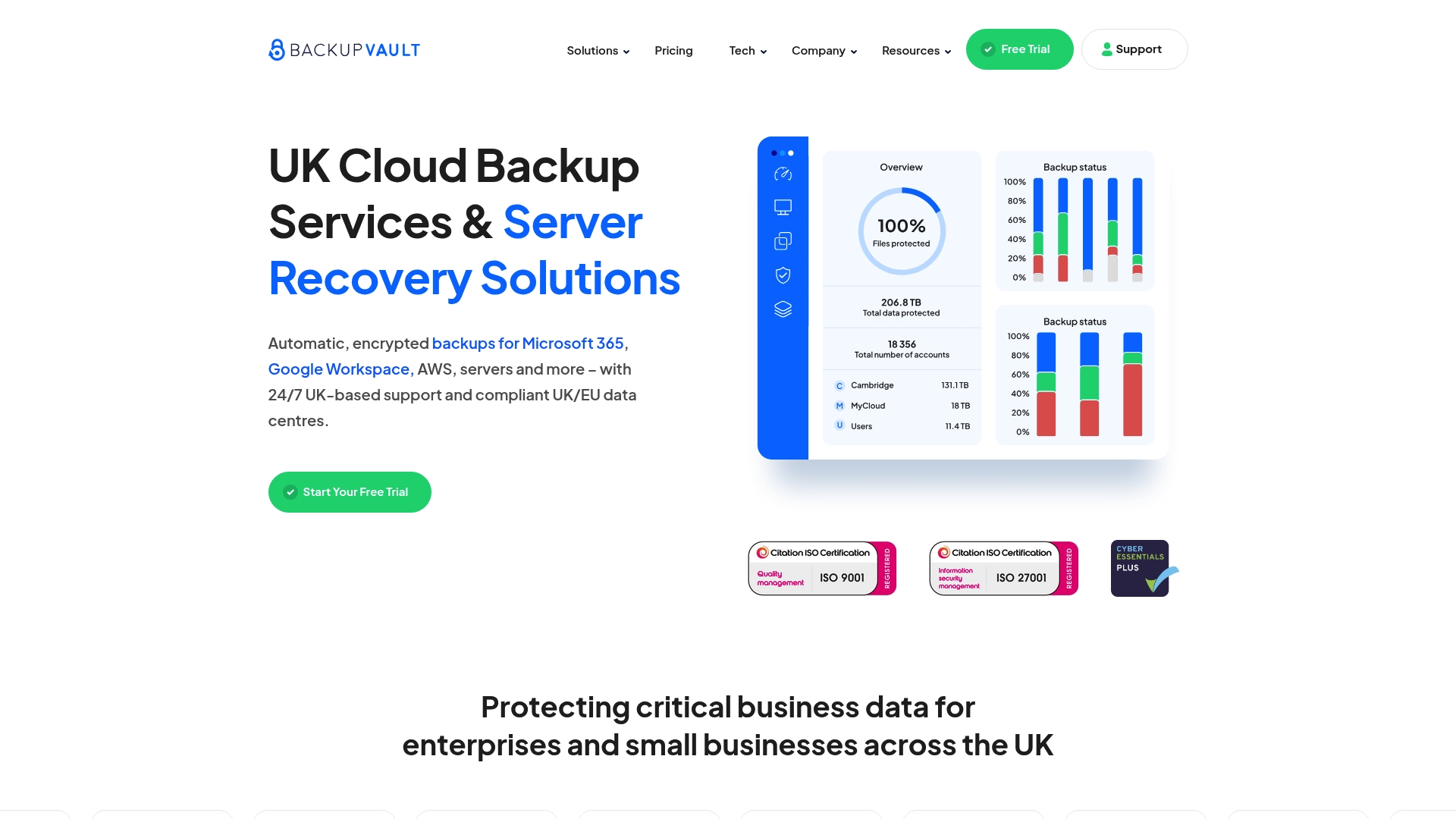
BackupVault is a UK-focused cloud backup and server recovery service that prioritises security, compliance and straightforward restores. It offers automatic, encrypted backups for Microsoft 365, Google Workspace, AWS and on-premise servers, supported from UK/EU data centres. With 24/7 UK-based support and a claim of fast setup, it is positioned for organisations that must meet data sovereignty requirements without taxing IT resources. The bottom line: reliable, security-first backup designed for UK businesses, though pricing transparency could be improved.
Core Features
BackupVault provides automatic, encrypted backups across cloud platforms and local infrastructure, including Microsoft 365, Google Workspace, AWS, servers, virtual machines and desktops. Features include point-in-time backups to mitigate ransomware, vendor-independent technology selection to tailor solutions, and multiple vendor options for scalability. Restores are described as simple and quick, while UK/EU data centres and 256-bit AES encryption underpin compliance and security. Continuous UK-based 24/7 support rounds off the offering for mission-critical environments.
Pros
- Data sovereignty in the UK/EU: BackupVault uses UK-based data centres, which helps organisations meet local regulatory and contractual obligations.
- Dedicated UK support: 24/7 support from trained UK staff reduces time to resolution and avoids time-zone friction that can slow incident response.
- Strong encryption standards: The service employs 256-bit AES encryption to protect data at rest and in transit, which is reassuring for sensitive business information.
- Proven experience: With over 20 years in backup and recovery services, BackupVault demonstrates longevity and institutional knowledge in disaster recovery.
- Fast setup and simple restores: The vendor highlights quick onboarding and straightforward recovery processes, which minimise downtime during incidents.
Cons
- Limited public pricing detail: Pricing is not extensively specified on the website, making budget planning and direct vendor comparisons harder for IT managers.
- Client installation required: BackupVault requires a backup client to be installed on local devices, which can add deployment overhead and endpoint management tasks.
- Vendor option constraints: Although multiple vendor options exist, some bespoke needs may be constrained by available vendor choices, potentially limiting custom architectures.
Who It’s For
BackupVault is best suited to UK organisations — from small businesses to enterprises — that need secure, compliant backup for both cloud services and on-premise systems. IT managers who must meet UK/EU data sovereignty rules, retain robust ransomware protection, and rely on responsive local support will find this service particularly relevant.
Unique Value Proposition
The unique value lies in combining UK/EU-hosted infrastructure, 256-bit AES encryption and round-the-clock UK support with vendor-independent backup choices. That blend gives UK organisations a compliance-friendly, security-first backup option without outsourcing support to distant time zones.
Real World Use Case
A dental practice used BackupVault to restore its server within an hour after a major outage, illustrating quick recovery and effective supplier support that minimised clinical disruption and data loss.
Pricing
Plans start from as little as £20 per month, depending on data storage requirements, though IT managers should request a tailored quote for precise costing based on retention, throughput and platform mix.
Website: https://backupvault.co.uk
Carbonite by OpenText
At a Glance
Carbonite by OpenText is a straightforward cloud backup service that prioritises simplicity and dependable recovery. It combines automatic, encrypted cloud backups with unlimited storage and one-click recovery tools to reduce downtime after data loss. The service supports Windows, macOS and mobile access, making it suitable for mixed-device environments. Expect reliable day-to-day protection, though advanced capabilities sit behind higher-tier plans.
Core Features
Carbonite’s core capabilities centre on automated, encrypted cloud backups and broad device support. It offers automatic encrypted cloud backup with built-in 128-bit encryption, effectively safeguarding documents, photos, music and videos. Users benefit from unlimited storage and one-click recovery for rapid restoration, while web and app access for Android and iOS devices allows recovery and browsing on the move. The service also supports Windows 7+ and macOS 10.10+ and extends to professional and enterprise server backups with features designed to assist small businesses with compliance requirements.
Pros
- Easy data recovery process: One-click recovery and straightforward restore workflows reduce the time and skill required to return systems to service after data loss.
- Unlimited cloud backup space: Offering unlimited storage removes the need to micromanage quotas or archive old files to free space.
- Built-in 128-bit encryption for security: Data is encrypted in transit and at rest using 128-bit encryption, providing a baseline level of protection for stored files.
- Positive customer reviews highlighting reliability and customer service: Customer feedback often cites dependable restores and helpful support, which matters when you are under pressure.
- Supports multiple device types and file formats: Compatibility with Windows, macOS, Android and iOS means mixed-device fleets are covered without complex configuration.
Cons
- Additional fees may apply for courier delivery of recovered files: Physical recovery via courier can incur extra costs, which may surprise organisations expecting all restores to be included.
- Some advanced features like antivirus and video backup are only in higher plans: Key extras are gated behind premium tiers, so basic plans may not meet all protection needs.
- Pricing can vary based on plan selection: The range of plans and optional features means final cost depends on chosen configuration and can increase for enterprise capabilities.
Who It’s For
Carbonite is best suited to home users with important personal data and small businesses that require reliable backup and compliance support. If you are an IT manager at an SME seeking a low-friction backup solution that covers endpoints and servers without heavy administration, Carbonite is a pragmatic choice. It excels where simplicity and dependable recovery are the priority.
Unique Value Proposition
Carbonite’s unique value lies in combining unlimited cloud storage with automated, encrypted backups and an emphasis on easy recovery. For organisations that want to offload backup complexity while retaining a clear chain of recovery and compliance-oriented features, Carbonite provides a single, manageable service.
Real World Use Case
A user affected by the Pacific Palisades fire restored data from their cloud backup, illustrating Carbonite’s effectiveness in disaster recovery and its ability to return critical files even after catastrophic local loss.
Pricing
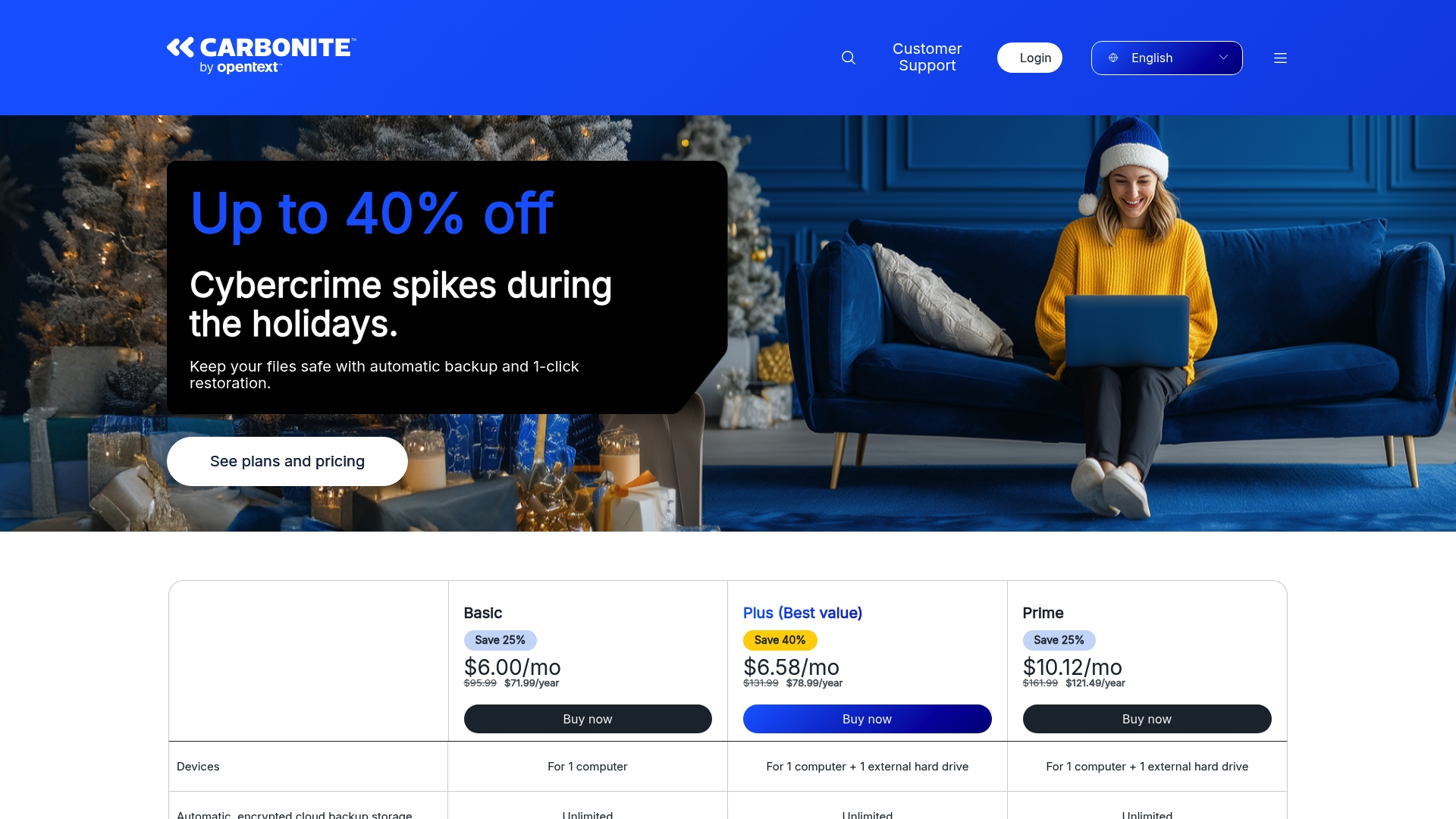
Plans start at approximately $6.00/month for Basic, $6.58/month for Plus, and $10.12/month for Prime, with annual discounts available.
Website: https://carbonite.com
IT Solutions Product Comparison
Below is a comparison of various IT solutions providers specializing in cloud and managed services. Use this table to evaluate major features, target audiences, strengths, challenges, and pricing for each option.
| Provider | Features Overview | Strengths | Challenges | Pricing Overview |
|---|---|---|---|---|
| Cloudology | Managed IT services including IT support, cloud hosting, VoIP telephony, internet connectivity, secure backups. | Tailored delivery, comprehensive scope, rapid support. | Pricing not specified, contact for quote. | Pricing unspecified, available upon request |
| Databarracks | Business continuity, disaster recovery, cloud solutions, resilience planning. | Industry experience, 24/7 support, comprehensive training resources. | Focus on larger enterprises, unclear fit for SMEs. | Customized pricing upon consultation. |
| Acronis | Unified platform for backup, disaster recovery, EDR/XDR, email security. | AI-powered security, supports diverse IT environments, MSP partnerships. | Complex feature set requires training, pricing available upon inquiry. | Pricing tailored based on solutions. |
| Barracuda Networks | Comprehensive cybersecurity for email, data, applications. | Easy deployment, centralized management, global adoption. | Higher initial costs, minimum purchase requirements. | Custom pricing for services. |
| Backup Everything | Comparison of cloud backup services; focuses on ransomware defense and platform-specific solutions for Office 365, etc. | Educational resource, vendor rankings. | No direct backup solutions provided, no service transparency. | No direct pricing listed. |
| Redstor | Cloud backup, recovery platform; instantdata™ recovery. | Transparent pricing, multi-tenant management, strong security features. | Details on platform integrations limited. | Transparent pricing provided for bundles. |
| BackupVault | UK-centric cloud backup, compliance-focused, 256-bit encryption and dedicated UK data centers with 24/7 support. | Data sovereignty, strong encryption, responsive local support. | Limited global footprint, client installation required. | Prices start from £20/month. |
| Carbonite by OpenText | Cloud backup with simple recovery; supports multiple device types and unlimited storage. | Dependable recovery workflows with automated backups, wide device support. | Some features gated behind premium plans, variable costs for full services. | Plans from $6/month, annual discounts apply. |
Secure Your Business with Trusted Data Backup and IT Solutions
The “Best 8 Secure Data Backup Tools – Expert Comparison 2026” article highlights the critical challenge of protecting business data against ransomware, data loss and compliance risks. For UK SMEs seeking peace of mind, avoiding fragmented vendors and reducing IT complexity are key goals. Concepts like ransomware-focused backup strategies, cloud recovery speed and data sovereignty underline the importance of a security-first, integrated backup solution that aligns with business needs.
At Cloudology, we understand that every business requires tailored IT infrastructure combining robust backup, cloud hosting and seamless connectivity. Our managed IT services simplify daily operations while strengthening security and ensuring rapid recovery capabilities. With solutions designed around your organisation’s unique requirements, you benefit from clear cost control, expert support and tools like our VoIP cost calculator to optimise communications spend.
Don’t wait until data loss disrupts your operations. Explore how our comprehensive IT support and cloud hosting services can protect your digital assets today. Visit Cloudology.uk now to get your personalised quote and safeguard your business future.
Frequently Asked Questions
What features should I look for in secure data backup tools?
To ensure your data is well-protected, seek tools that offer encryption, automated backups, and comprehensive recovery options. Additionally, check for compatibility with various platforms and ease of use to streamline your backup processes.
How can I determine the right backup solution for my business needs?
Assess your specific requirements, including data volume, recovery time objectives, and compliance standards. Create a checklist of essential features and compare how each tool meets these criteria to identify the best fit for your needs.
What is the average cost for secure data backup tools?
Pricing for secure data backup tools varies significantly based on features and storage capacity. Generally, expect plans to start from around £20 per month, with more advanced features leading to increased costs.
How often should I perform data backups with these tools?
It’s recommended to schedule backups at least once a day to minimise potential data loss. Depending on your data’s criticality, consider increasing the frequency to every few hours, or set up continuous backups for real-time protection.
What steps should I follow to restore data using these backup tools?
To restore data, first access the backup platform and navigate to the recovery section. Select the specific data you wish to restore, confirm the restore settings, and initiate the process; it should complete within minutes to a few hours, depending on your data volume.
How can I ensure my backups are secure from ransomware attacks?
Use backup tools that provide robust encryption and ransomware detection features. Regularly test your backup and recovery process to ensure data integrity and keep your recovery points updated to minimise vulnerabilities.