

Selecting a cloud hosting provider can feel risky when your business relies on uptime and data security. The right decision goes far beyond picking the cheapest plan, touching on compliance, long-term growth, and real-world support for British enterprises. By focusing on comprehensive business requirements and secure operations, you can sidestep costly mistakes and lay the groundwork for improved efficiency and resilience as your company expands.
Table of Contents
- Step 1: Assess Business Needs And Choose A Cloud Provider
- Step 2: Configure User Accounts And Organisational Permissions
- Step 3: Deploy Virtual Servers And Allocate Resources
- Step 4: Implement Network Security And Compliance Controls
- Step 5: Test Cloud Environment And Monitor Performance
Quick Summary
| Important Insight | Clarification |
|---|---|
| 1. Assess business needs thoroughly | Understand your technical requirements, security standards, and compliance obligations before selecting a cloud provider. This helps avoid costly migrations later. |
| 2. Implement least privilege access | Ensure each user has access only to what they need. This reduces the risk of accidental data exposure and unauthorised changes. |
| 3. Test the cloud environment extensively | Conduct thorough testing of applications with real user scenarios to identify issues before going live, ensuring performance meets business needs. |
| 4. Establish a regular review cycle | Schedule quarterly reviews of permissions and security controls to adapt as your business evolves, maintaining compliance and security effectiveness. |
| 5. Monitor performance continuously | Use built-in tools to track resource utilisation and set alerts for performance issues, allowing quick adjustments to infrastructure as needed. |
Step 1: Assess business needs and choose a cloud provider
Before you start comparing hosting providers, take time to understand what your business actually requires. This means looking beyond surface-level features and examining your technical requirements, security standards, compliance obligations, and data governance needs. Think about your current infrastructure, the applications you run, how many users access your systems, and what happens if something goes wrong. A financial services firm needs different protections than a marketing agency, and a rapidly expanding manufacturer has different scalability demands than an established consultancy. Getting this assessment right prevents costly migrations later.
Start by documenting your business requirements across several key areas. Define your security and compliance needs by considering industry regulations, data protection standards like GDPR, and any customer requirements. Calculate your storage and computing capacity requirements for both current operations and the next 18 months of growth. Assess your team’s technical expertise and determine whether you need managed services or can handle administration yourselves. When evaluating potential providers, examine their approach to compliance, security, and governance as these form the foundation of secure business operations. Look at how well each provider’s service levels align with your uptime expectations, whether they offer the redundancy and resilience your business needs, and how they handle vendor relations and risk management.
As you narrow your choices, use how to choose cloud hosting for UK SMEs with confidence to guide your final decision. Evaluate providers based on their experience with businesses similar to yours, their support availability during your operating hours, and their transparency about pricing structures. Request detailed proposals from your top two or three candidates and ask specific questions about data protection, disaster recovery capabilities, and migration support. The provider you choose should feel like a partner in your growth strategy, not simply a vendor ticking boxes.
Professional advice Document your requirements in writing before contacting providers; this clarity prevents wasted time and ensures you receive comparable proposals that address your actual needs rather than generic feature lists.
To help you compare providers, here is a table outlining essential selection criteria and their business implications:
| Selection Criteria | Why It Matters | Business Impact |
|---|---|---|
| Security certifications | Validates the provider’s controls | Reduces compliance risk |
| Support responsiveness | Ensures rapid resolution of issues | Minimises downtime |
| Data residency options | Affects legal data handling | Maintains regulatory compliance |
| Clear pricing structure | Reveals total ongoing costs | Avoids budget surprises |
| Migration assistance | Eases transition to the cloud | Lowers operational disruption |
Step 2: Configure user accounts and organisational permissions
Setting up user accounts and permissions correctly from the start saves you significant headaches later. Your cloud environment only becomes truly secure when every team member has access to exactly what they need and nothing more. This principle, known as least privilege access, forms the foundation of identity and access management in cloud security and protects your business from accidental data exposure or unauthorised changes.
Begin by mapping out who needs access to what. Create a list of your team members, their roles, and the systems or data they require for their work. Rather than assigning permissions to individual users one by one, use roles to group permissions together. Your IT manager might need full administrative access, whilst your accounts team only requires access to financial data and reporting tools. A customer support representative needs read-only access to customer records but shouldn’t modify billing information. When you implement identity and access management principles properly, you create a scalable system that grows with your business. Configure multi-factor authentication for all users, especially those with administrative privileges. This adds a second verification step beyond passwords, making it substantially harder for unauthorised people to access your systems even if they somehow obtain login credentials.

Next, test your permission structure by having team members attempt tasks they should be able to perform and verifying they cannot access areas outside their role. Check your cloud provider’s audit logs regularly to review who accessed what and when. As your team evolves, revisit these permissions quarterly to remove access for people who have changed roles or left the company. The goal is to maintain a permission structure that reflects your current organisational reality, not what existed six months ago.
Professional advice Document your permission structure and approval process in writing, then assign someone responsibility for quarterly reviews; this prevents permission creep where users gradually accumulate unnecessary access over time.
This table summarises core identity and access management principles for cloud environments:
| Principle | Benefit | Example Application |
|---|---|---|
| Least privilege access | Limits exposure if accounts are breached | Read-only access for support staff |
| Role-based permissions | Simplifies administration | Assigns reporting to accounts team |
| Multi-factor authentication | Enhances account security | Authenticator app for administrators |
| Quarterly review cycle | Reduces permission creep | Remove access for departed staff |
Step 3: Deploy virtual servers and allocate resources
Deploying virtual servers means creating isolated computing environments that run on shared physical hardware. Your cloud provider uses virtualization technology to partition their infrastructure into separate virtual machines, each behaving like a dedicated server but sharing underlying resources efficiently. This step determines how much computing power, memory, and storage your applications receive, directly affecting performance and your monthly costs.
Start by determining what size virtual server each application needs. A database server handling transactional data requires different specifications than a web server serving static content to users. Consider current usage patterns and anticipated growth. If you expect to double your user base within twelve months, allocate resources to accommodate that expansion rather than scrambling to upgrade later. When configuring servers, understand that virtualization technology optimises physical resources through hypervisors that manage how virtual machines share computing power and memory. Most cloud providers offer tiered server sizes starting from modest configurations for testing environments through to powerful machines for demanding applications. Choose a starting size that matches your actual needs, then monitor performance over your first weeks of operation. Your cloud provider’s dashboard will show CPU usage, memory consumption, and disc I/O patterns, revealing whether your current allocation is appropriate or if you need to scale up or down.
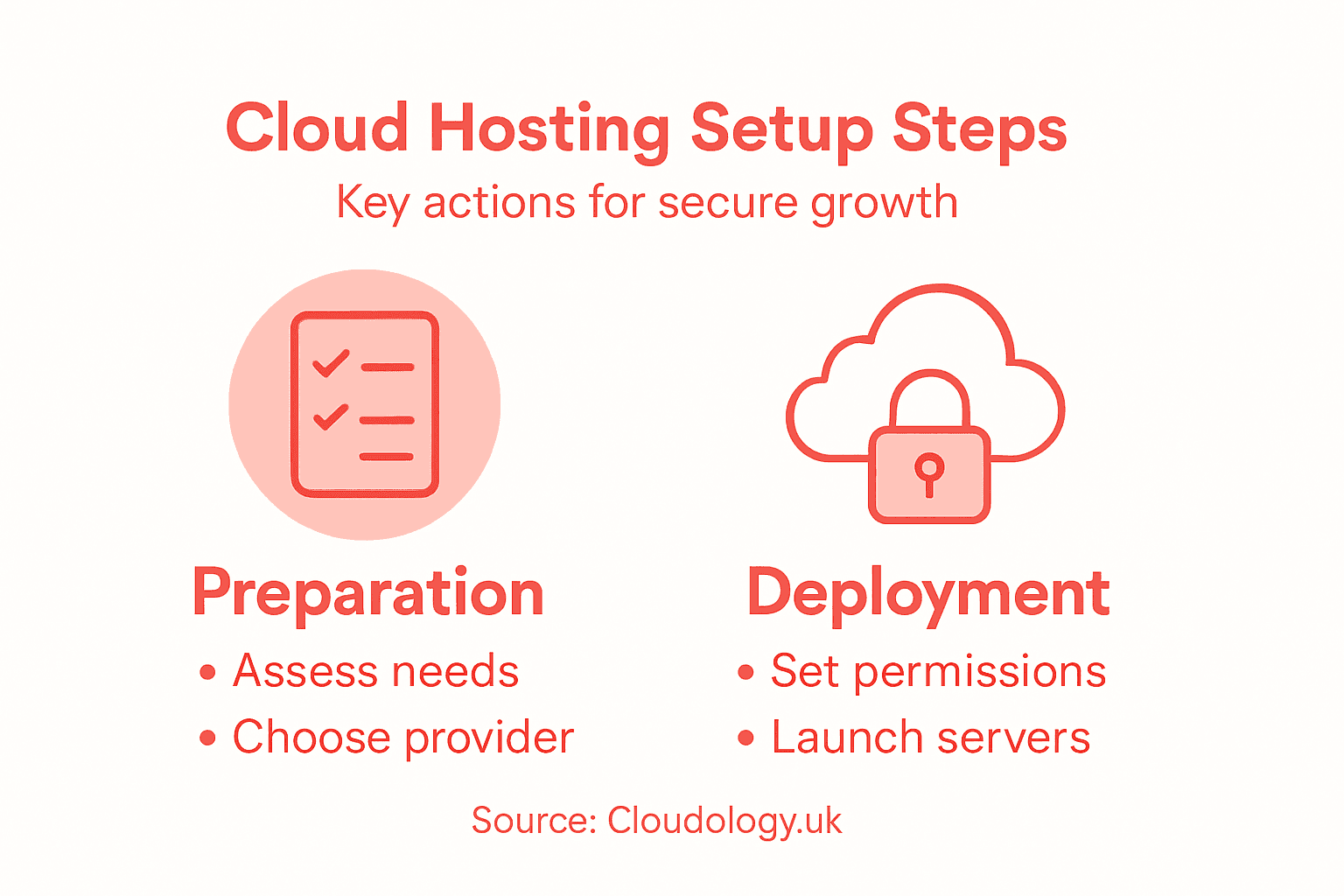
Once you’ve deployed your servers, configure resource clustering and load balancing to distribute traffic across multiple instances when demand increases. Set up automatic scaling rules so additional servers launch during peak periods and shut down during quiet times, optimising costs. Monitor your resource utilisation monthly and adjust as your business requirements evolve. This isn’t a set-and-forget decision; as your team and customer base grow, your infrastructure needs will change.
Professional advice Deploy a small test server first to validate your application performance and cost assumptions before committing to production infrastructure, preventing expensive mistakes early.
Step 4: Implement network security and compliance controls
Network security and compliance controls form the protective barrier around your cloud infrastructure. Without them, your data remains exposed to unauthorised access, data breaches, and regulatory violations that could damage your reputation and result in significant financial penalties. This step ensures your business meets legal requirements whilst actively defending against threats.
Start by understanding your compliance obligations. If you handle customer payment data, you must comply with Payment Card Industry standards. If you process personal information about UK residents, GDPR requirements apply regardless of where your servers sit. Healthcare organisations face different rules than manufacturers. Your industry, location, and the type of data you store determine which regulations bind your business. Once you understand these obligations, use cloud security control frameworks to guide your implementation. These frameworks cover infrastructure security, data protection, identity management, and incident response across 17 key domains, ensuring you address security holistically rather than leaving gaps. Configure firewalls to restrict traffic to only necessary ports and protocols, blocking everything else by default. Deploy anti-malware solutions across your servers and implement regular vulnerability scanning to identify weaknesses before attackers do. Enable encryption for data moving across your network and for information stored on disc, protecting it even if someone gains physical access to hardware.
Next, establish core cybersecurity standards including user account controls, comprehensive backup procedures, and documented security policies. Create a cyber risk assessment process that regularly evaluates your environment for vulnerabilities and emerging threats. Document everything you implement so you can prove compliance during audits. Review your security controls quarterly and update them as new threats emerge and your business changes. Security isn’t a one-time project but rather an ongoing process that evolves with your organisation.
Professional advice Assign one team member responsibility for security compliance oversight and schedule quarterly reviews on your calendar now; this prevents compliance responsibilities from slipping through the cracks as daily work consumes your attention.
Step 5: Test cloud environment and monitor performance
Testing your cloud environment before going live reveals problems whilst you still have time to fix them. Monitoring performance afterwards tells you whether your infrastructure is meeting expectations or if adjustments are needed. This step validates that your investment in cloud hosting actually delivers the speed, reliability, and availability your business requires.
Begin by thoroughly testing your applications in the cloud before your team uses them for real work. Replicate your actual workflow using sample data and real user scenarios. If your sales team typically processes fifty orders daily, simulate that load and watch how your system responds. Check whether file uploads work reliably, whether reports generate within acceptable timeframes, and whether data syncs correctly across your infrastructure. Test from different locations using mobile connections and office broadband to verify performance is acceptable regardless of how users connect. When evaluating cloud solutions, ensure you assess current software, hardware, and data flow to confirm your migration addresses your actual business needs rather than simply moving problems to a different location. Have your staff train on the cloud environment during this testing phase so they feel confident when it goes live.
Once you’ve deployed your cloud environment, establish ongoing monitoring using your provider’s built-in tools and third-party solutions. Track CPU usage, memory consumption, network bandwidth, and disc I/O to understand whether your resource allocation remains appropriate. Monitor application response times by measuring critical performance metrics like connection time and response duration to catch performance degradation before users complain. Set up alerts that notify you when metrics exceed acceptable thresholds, allowing quick investigation and adjustment. Review your performance data weekly during your first month, then monthly thereafter as your cloud environment stabilises. If you notice patterns like consistently high CPU usage at particular times, you might benefit from auto-scaling rules that add resources automatically during peak periods.
Professional advice Create a simple spreadsheet documenting baseline performance metrics from your first week, then compare subsequent months to spot trends; this prevents gradual performance degradation from sneaking up on you unnoticed.
Secure Your Business Growth with Expert Cloud Hosting Support
Setting up cloud hosting that is both secure and scalable can be complex and time-consuming. This article highlights critical challenges such as configuring precise user permissions, ensuring robust network security, and deploying the right virtual servers to match your business needs. Without expert guidance, you risk costly disruptions, compliance failures, and performance bottlenecks that hinder your growth.
At Cloudology.uk, we understand these pain points and specialise in delivering tailored cloud hosting solutions designed for UK SMEs seeking reliable, secure IT infrastructure. Our services go beyond simple hosting to include expert IT support, strategic compliance advice, and continuous performance monitoring. Discover how our proven approach helps you apply principles like least privilege access and resource auto-scaling effectively by exploring insights in our Uncategorized Archives – Cloudology. Take control of your cloud environment today and partner with a provider dedicated to simplifying IT management and safeguarding your business future.
Ready to move from theory to confident, secure cloud hosting? Visit Cloudology.uk now to learn how our expert team can help you set up, secure, and scale your cloud infrastructure seamlessly.
Frequently Asked Questions
What are the first steps to assess my business needs for cloud hosting?
Before selecting a cloud provider, identify your business’s specific requirements, such as security, compliance, and technical demands. Document your needs clearly, considering your current infrastructure and future growth, to ensure tailored solutions that prevent costly migrations later.
How can I ensure the security of user accounts in my cloud environment?
Implement least privilege access, ensuring each team member only has access to the information necessary for their role. Configure multi-factor authentication for added security, especially for users with administrative privileges, and regularly review permissions to keep your access structure up to date.
What factors should I consider when deploying virtual servers?
Evaluate the specific needs of each application to determine the size and resources required for your virtual servers. Start with modest configurations to match your current load, and monitor performance closely to adjust allocations as your business scales and user demand increases.
How do I implement effective network security and compliance controls?
Understand your compliance obligations and apply relevant cloud security control frameworks to your infrastructure. Configure firewalls, enable encryption, and conduct regular vulnerability scans to fortify your network and ensure ongoing compliance with applicable regulations.
What is the best way to test my cloud environment before going live?
Conduct thorough testing of applications in your cloud setup using real user scenarios and sample data to identify any issues. Simulate actual workflows, including peak usage, and have your staff train on the system to ensure they are prepared for real-world operations.
How can I monitor the performance of my cloud hosting effectively?
Set up ongoing monitoring to track critical performance metrics such as CPU usage and application response times right after deployment. Review your performance data regularly to catch any trends or issues early, allowing for necessary adjustments to optimise your infrastructure.